
Tax & super sync
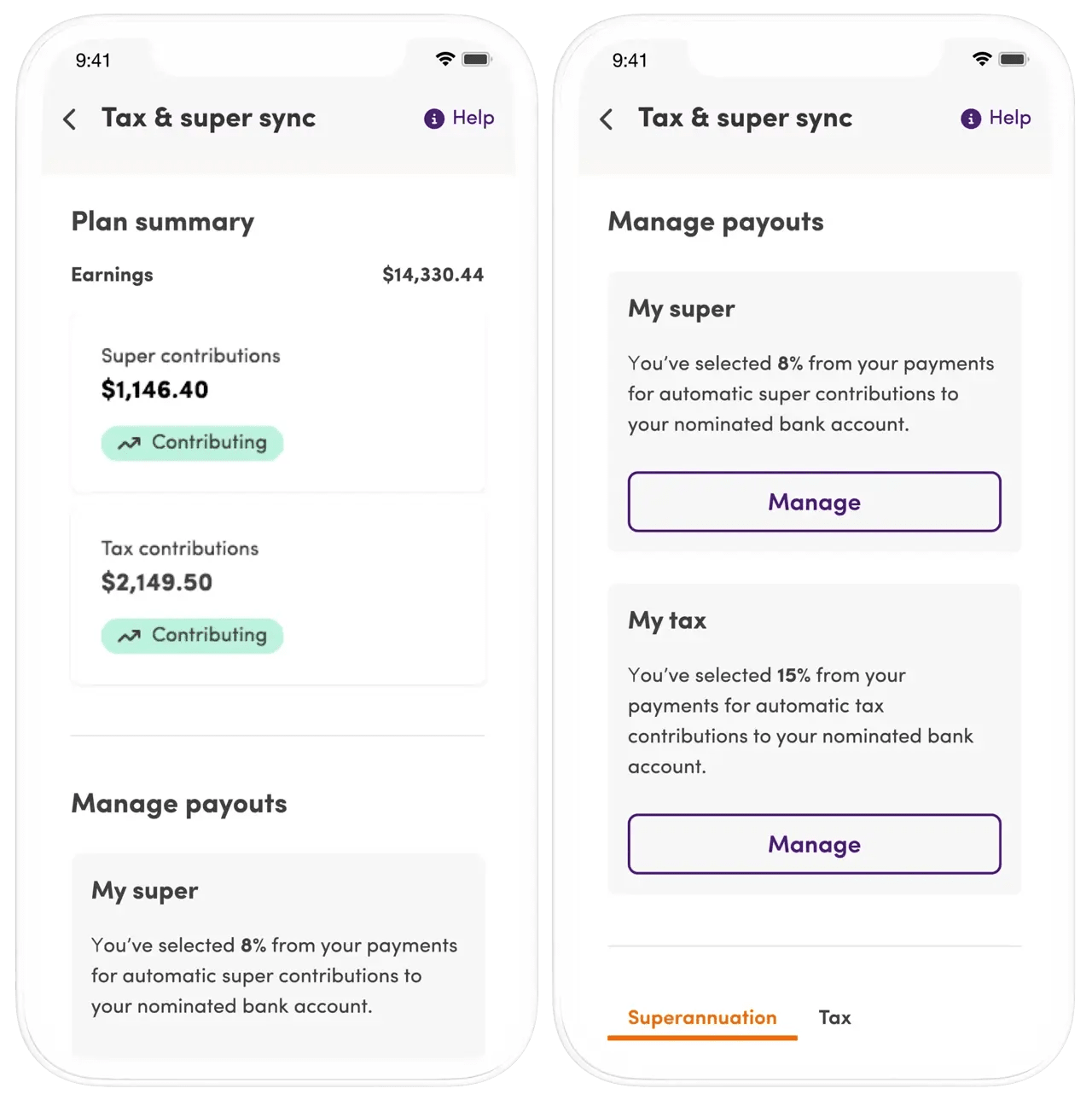
Make small business admin easy with automated tax and super contributions into your nominated bank account.

Tax & super sync helps you run your support worker business
Enjoy automated payouts and cut out admin fuss
The essential business tool for independent support workers is here.
How it works
- Set tax and super contributions to your nominated bank account.
- Make changes or pause contributions at any time.
- View a summary of your contributions in one spot.
- Download a CSV file of your contribution history for tax time.
It really is a fabulous feature. Super easy to use and I do not have to do anything. I have it placed into a separate bank account...then I pay tax and super from that account quarterly. Sometimes there is even money left over for a present for myself! Self care is important.
Belinda, Vic
Helpful information to get you started
Learn more about how to set up and manage Tax & super sync through your Mable account.